
Keeping an IP address private is one of the simplest ways to limit what outside parties see while browsing the Web. Sites, apps, and networks often log IP details, which can reveal approximate location, service provider, and browsing patterns. One of the most effective ways to mask this information is by using a VPN. PrivadoVPN replaces the device’s visible IP address with one from its encrypted network, making it far more challenging for outside observers to track activity. Learn how to hide my IP address.
Quick Answer: How to Hide My IP Address
The fastest way to hide an IP address is to use a VPN. A VPN assigns a new IP address and encrypts traffic so networks, advertisers, and public Wi‑Fi operators only see the VPN server’s IP. PrivadoVPN adds Threat Protection, Secure DNS, PhantomMode, and Split Tunneling for stronger privacy across all major devices.
Why Your IP Address Matters
An IP address serves as an identifier that enables devices to communicate across the Internet. It also provides a general region. Advertisers, public Wi‑Fi operators, and certain intermediaries rely on these details to create profiles or map usage. Masking that IP address helps break those connections.
Practical Ways to Hide Your IP Address
Below are the most common methods. Only one delivers both privacy and reliable protection across devices.
1. Use a VPN
A VPN routes traffic through an encrypted tunnel and assigns a different IP address. PrivadoVPN makes this straightforward on Windows, macOS, iOS, Android, Fire TV, Android TV, and tvOS. Once connected, sites see the VPN server’s IP address instead of the device’s original IP address.
Key benefits from PrivadoVPN:
- Strong encryption to shield traffic from observers on local networks.
- Unlimited VPN with Threat Protection to reduce exposure to unsafe sites.
- Split Tunneling for directing select apps through the VPN.
- Kill Switch to maintain protection during unexpected network drops.
- PhantomMode for added obfuscation.
- Control Tower tools, including Secure DNS, Ad Blocker, and Parental Controls.
2. Rely on a Privacy‑Focused Browser Proxy
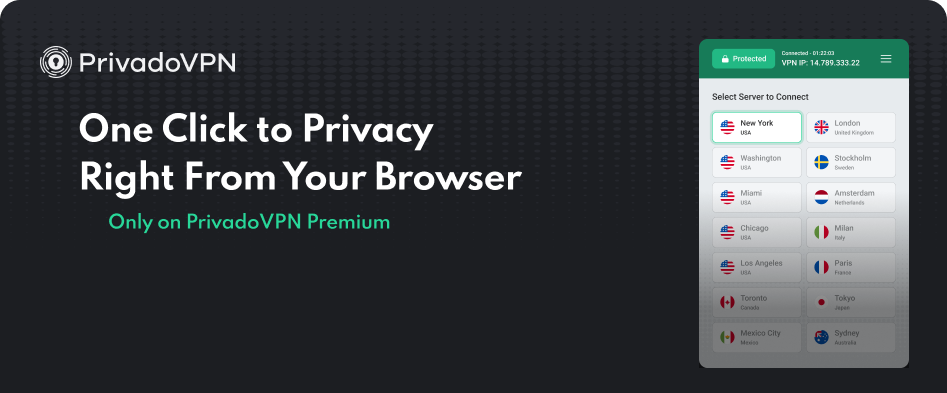
Proxies can hide an IP address from specific sites, but they lack full encryption. PrivadoVPN’s browser extensions add a simple in‑browser proxy layer for Chrome, Firefox, Brave, Opera, and Edge. This is helpful when only browser traffic needs to be masked, though a full VPN connection provides much broader coverage.
3. Use Public Wi‑Fi Carefully
Public networks remove the home IP address from the session, but the trade‑off is exposure to operators and anyone else on that network. Using PrivadoVPN on public Wi‑Fi protects both the traffic and the device’s identity.
4. Use the Tor Browser
Tor routes traffic through multiple volunteer-run relays before reaching a destination. This can make it difficult to trace an IP address back to the original source. The trade-off is slower speeds, limited support on certain sites, and frequent verification challenges. Tor is helpful for specialized anonymity needs but is not ideal for everyday high‑performance Internet use.
5. Adjust Router‑Level Connections
Some users route all home traffic through a VPN‑enabled router. PrivadoVPN supports router configuration for whole‑home protection, covering everything from smart TVs to game consoles under one connection.
How PrivadoVPN Helps Anonymize Your IP Address

PrivadoVPN masks IP addresses, encrypts traffic, and adds an extra layer of privacy through features such as Threat Protection, Secure DNS, and Split Tunneling. This approach limits what networks, advertisers, or malicious actors can observe.
For more about the advantages of a VPN, see the main guide.
Why Choose PrivadoVPN Premium
PrivadoVPN Premium offers expanded global servers, faster speeds, and access to advanced privacy tools that free users do not receive. Premium strengthens the ability to hide an IP address by adding:
- High‑speed servers across many regions.
- Unlimited VPN with Threat Protection.
- Secure DNS to prevent DNS‑level tracking.
- Split Tunneling for selective routing.
- PhantomMode for added obfuscation.
- GeoJump for syncing GPS location with VPN location.
- Full support across Windows, macOS, Android, iOS, Fire TV, Android TV, tvOS, and browser extensions.
If the goal is to hide an IP address in a consistent and stable way, PrivadoVPN Premium remains the most practical long‑term option.Ready to take the next step in protecting your privacy? Sign up for PrivadoVPN Premium to mask your IP address, secure your traffic, and use advanced tools like Threat Protection, Secure DNS, Split Tunneling, and PhantomMode on all your devices.