
The average adult will spend about 17 years online, according to a 2024 study by DataReportal. With so much of our lives spent in front of a screen, privacy has become more integral than ever before. That’s where PrivadoVPN‘s free plan comes in.
Offering the highest level of encryption, the PrivadoVPN free plan delivers unbeatable protection and security features. Getting started is fast, using the app is simple, and there are even advanced options available for users who want more control over their online experience.
Below, you’ll find a user-friendly guide that helps you get started with a free PrivadoVPN plan, step-by-step. From account creation to customizing app performance, this blog will help you discover the PrivadoVPN free plan benefits, including 10 GBs of monthly data, access to our patented Lite Mode, and intuitive tools designed for both newcomers and tech experts alike.
PrivadoVPN’s Simple Sign-Up and First Launch
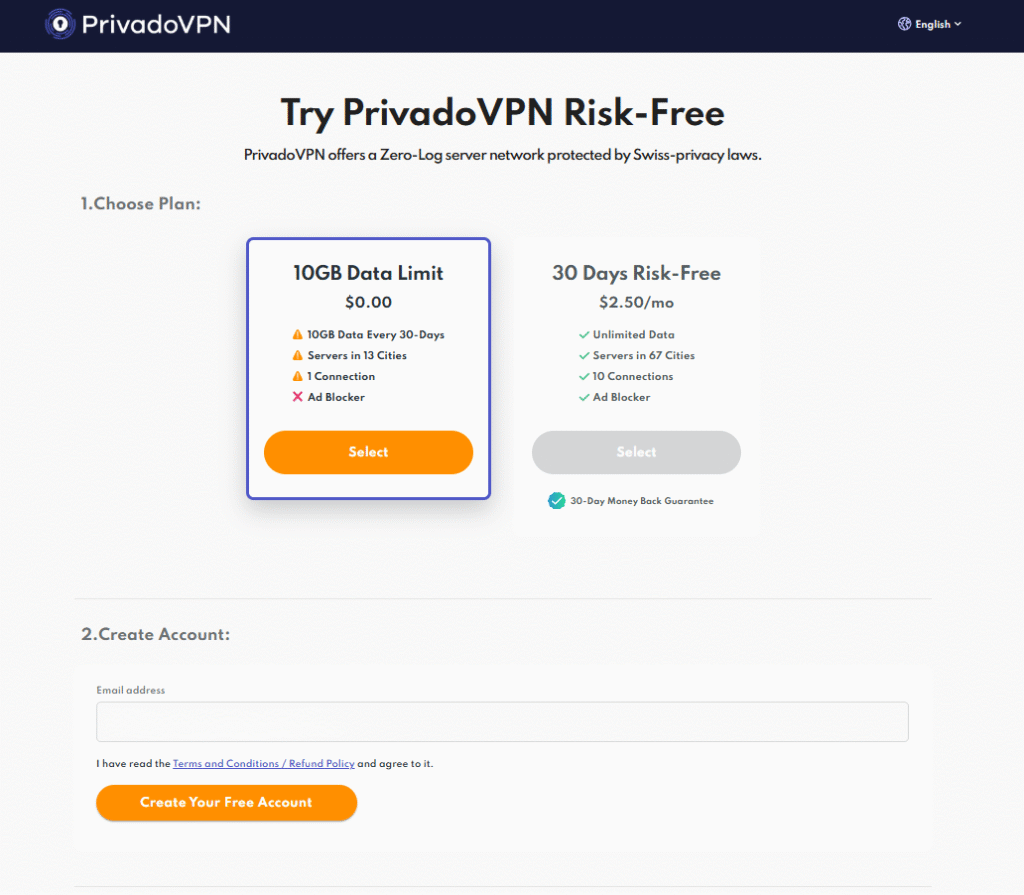
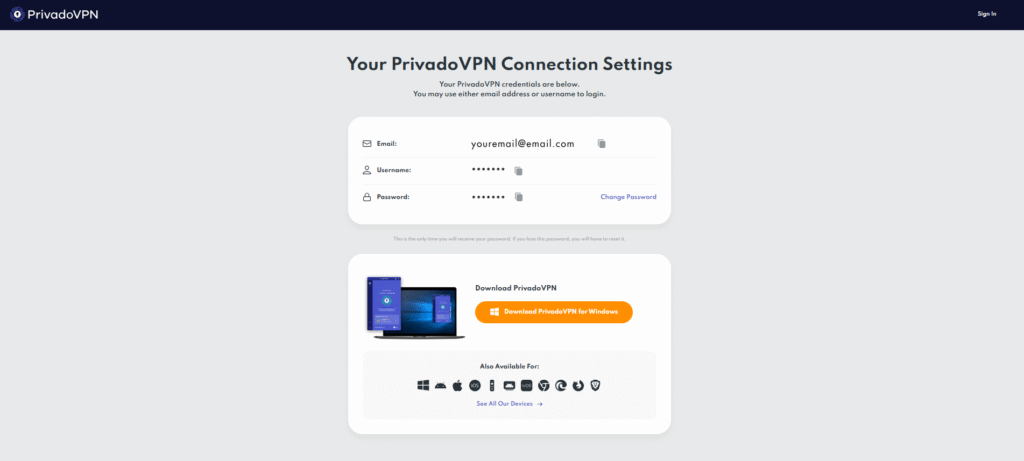
Creating a free PrivadoVPN account takes only a moment. From the PrivadoVPN cart, select “Free Plan” and enter your contact information.
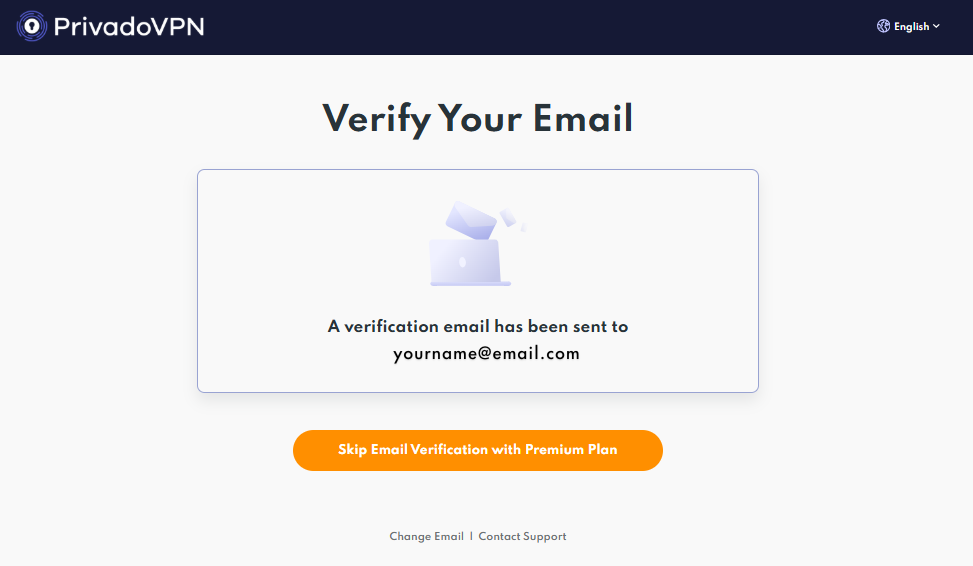
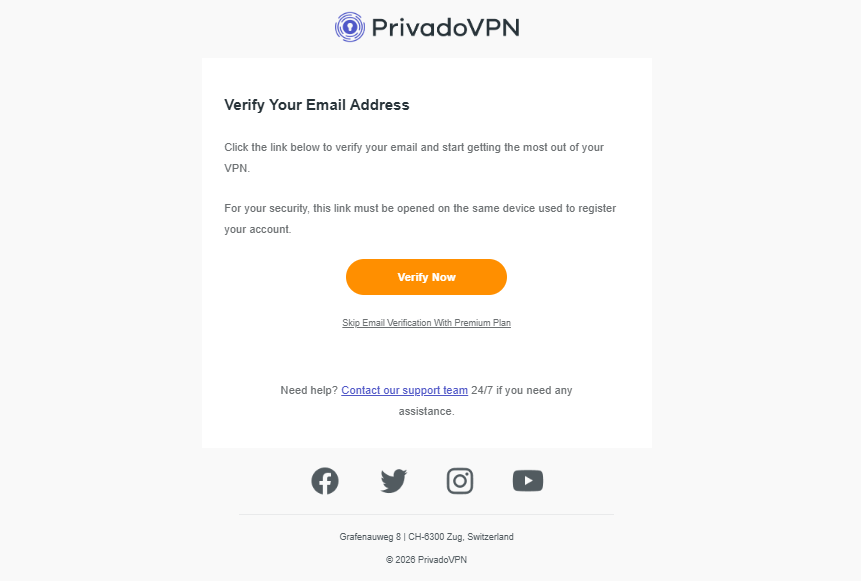
Next, you’ll need to activate and verify your account from the link emailed to you.
Once your account is activated, you can install the VPN onto any device.
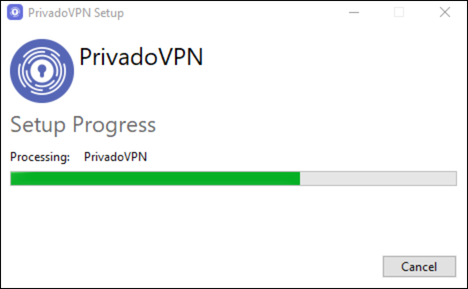
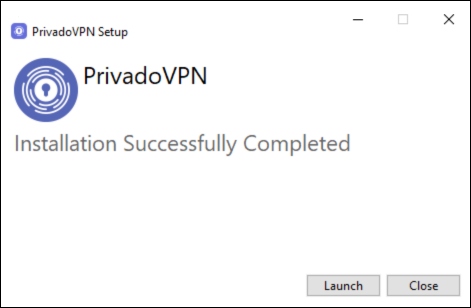
After installing the PrivadoVPN app, you can sign in immediately.
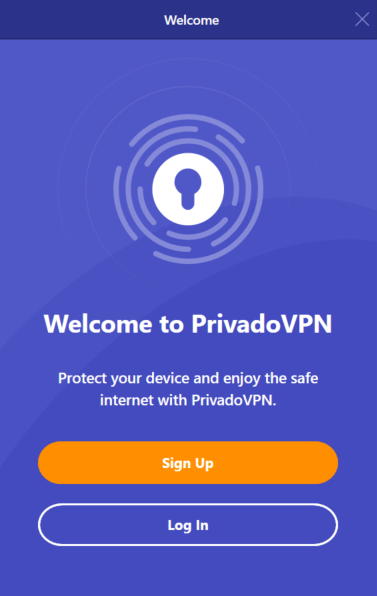
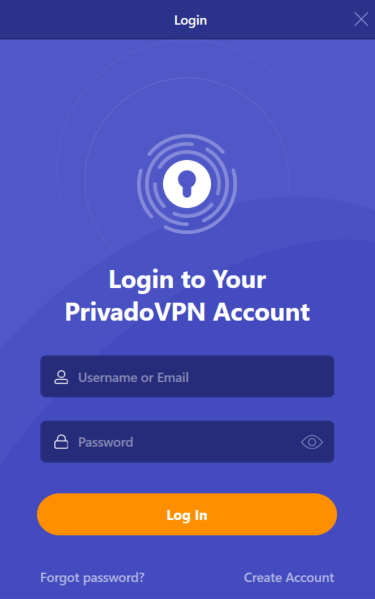
Default settings on the PrivadoVPN app are optimized for everyday protection, with deeper configuration options available for any users who want to take back control of their online security.
Free Global Server Locations from PrivadoVPN
Free plan users receive access to a curated selection of fast, dependable servers around the world. These powerful servers were chosen to offer users a balance of reliability, stability, and speed on any device.
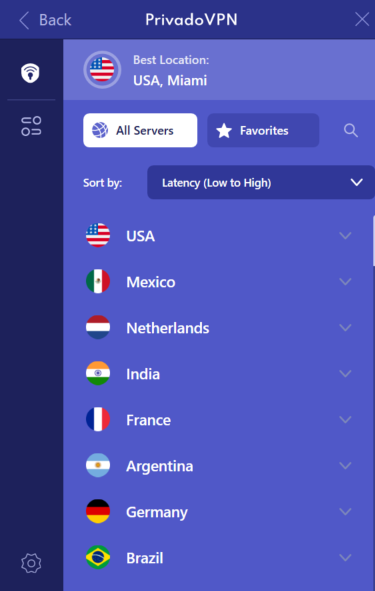
Users signed up for the PrivadoVPN free plan get access to a server list that supports multiple sorting options, including:
- Server latency
- Alphabetical order
- Location relevance
What is Latency and Why Does it Matter?
In the world of VPNs, latency refers to the time it takes for information to travel from your device to a VPN server and back again. This time is measured in milliseconds (ms), with lower latency indicating faster response times from servers and destinations.
Sorting by latency is especially useful for performance-focused connections. Latency typically affects streaming stability, page load responsiveness, and a smooth browsing experience.
As an example, a nearby server typically shows lower latency than one that is located on the other side of the globe. Sorting the PrivadoVPN free servers by latency helps determine the fastest option based on both physical distance and current network conditions.
What is PrivadoVPN’s Lite Mode?
Free users of PrivadoVPN get a monthly allowance of 10 GB. However, because we understand the importance of having ongoing protection, privacy, and an unlimited connection to the entire Internet, the free plan transitions into Lite Mode.
Rather than disconnecting users entirely and leaving their devices vulnerable to possible attacks, PrivadoVPN’s Lite Mode maintains an active and encrypted connection to secure traffic with adjusted performance parameters. By continuing to offer users a safe and dependable connection (even when they’ve run out of data), PrivadoVPN keeps privacy and protection active at all times.
Auto-Connect for Immediate PrivadoVPN Protection
PrivadoVPN’s free mode also offers an auto-connect feature that guides the VPN to activate automatically based on user-specified network conditions. Many users find this feature especially useful when connecting to public Wi-Fi networks, the majority of which are unencrypted and pose a serious security risk.
Within the VPN tab of the PrivadoVPN control panel, users can activate the Auto Connect feature with one click. When switched on, the Auto Connect setting prompts the PrivadoVPN app to connect to a user’s preferred server. This creates fast, direct access to stable encryption so devices are never left unprotected.
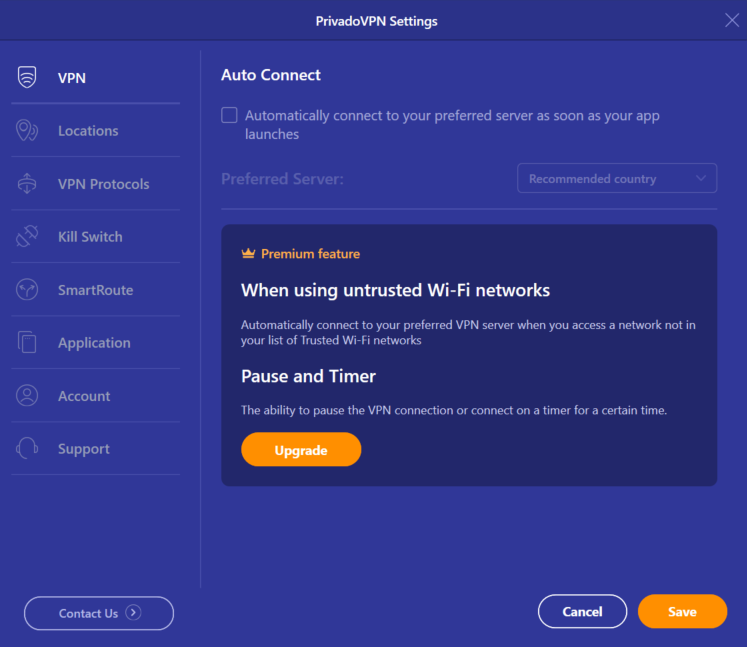
With the PrivadoVPN auto-connect settings enabled, you reduce the risk of unprotected connections during everyday use.
Filtering for Fast Servers with PrivadoVPN
There are no one-size-fits-all VPNs, which is why PrivadoVPN offers a wide range of customizable filters and options to help you customize your online security. These built-in filters can help significantly narrow your global server choices by measuring performance indicators like latency. This makes it easier to identify the best free server location for fast speeds (without trial and error).
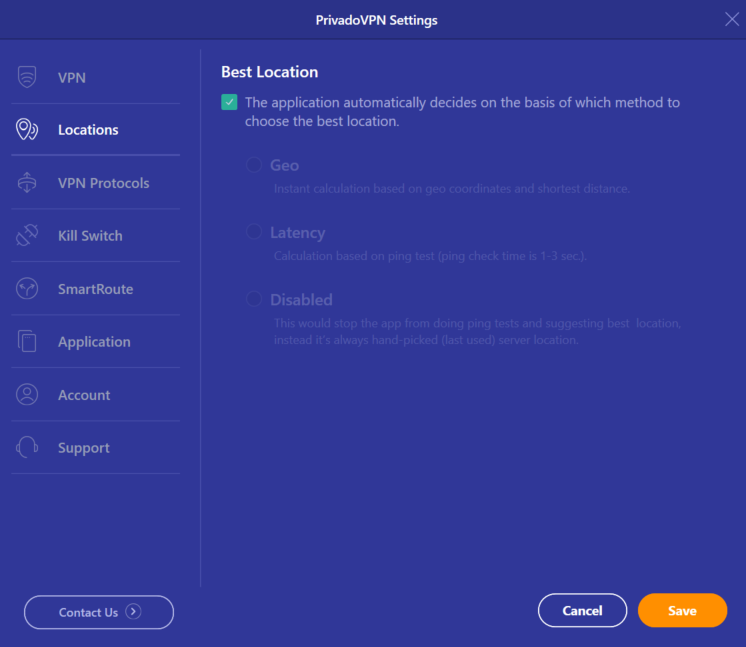
PrivadoVPN’s robust combination of filters and sorting tools offers clear visibility into which servers are best suited for specific tasks, including travel and much more.
Selecting the Right VPN Protocol
PrivadoVPN offers custom protocol selection, giving users added control over how traffic is encrypted and routed from their device. Free plan users have the option to choose between IKEv2, WireGuard®, and OpenVPN protocols. Each protocol offers a unique balance of speed, stability, and adaptability, which lets users select the VPN protocol that best fits their usage.
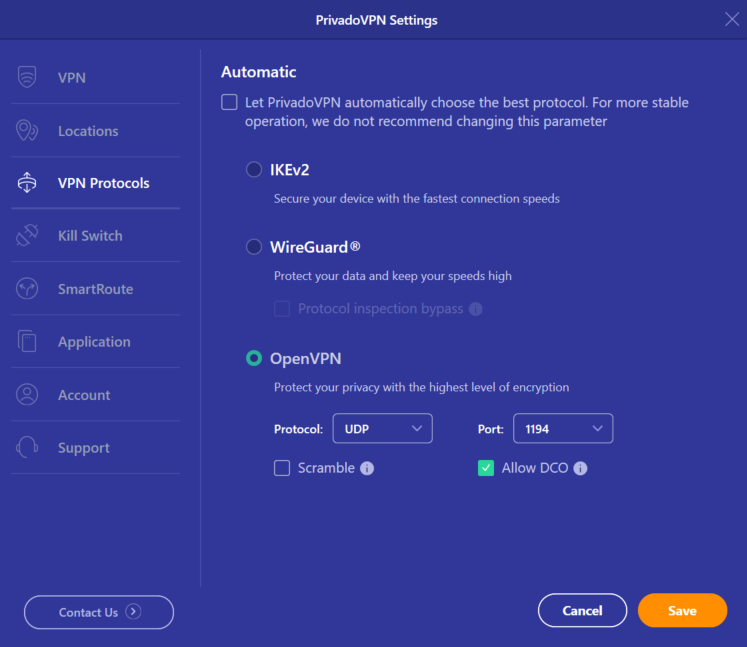
IKEv2
IKEv2 is a protocol known for stability, especially on mobile devices. It handles network changes smoothly, enhancing the efficacy of switching between Wi-Fi and other connections.
WireGuard®
WireGuard® focuses on speed and efficient browsing. This protocol employs modern cryptography with a streamlined codebase, resulting in faster connections and reduced latency.
OpenVPN
OpenVPN emphasizes flexibility and compatibility on any device. It works across a wide range of networks while supporting multiple configurations, which makes it a reliable choice for any user.
Kill Switch Protection for Free PrivadoVPN Users
Not only do free PrivadoVPN users get high-quality encryption and a user-friendly app, but they also receive access to a powerful Kill Switch. This built-in feature prevents unprotected online traffic if the VPN connection drops unexpectedly.
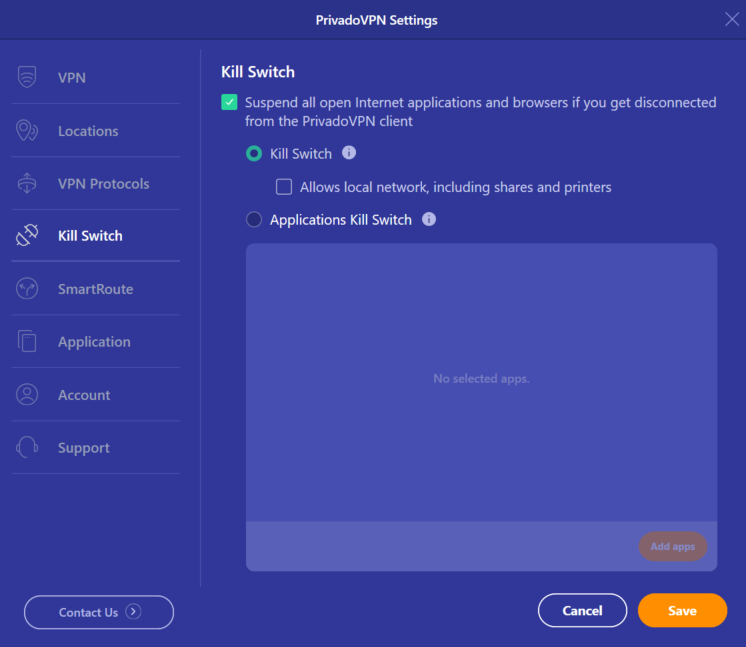
Activating the PrivadoVPN Kill Switch prevents unwanted exposure of a user’s IP address during brief disconnections, which is especially important on unstable networks or public Wi-Fi.
Using Split Tunneling with PrivadoVPN
On the PrivadoVPN app, free users have the option to access the Split Tunneling feature which offers users the ability to set up split tunneling. This setting allows specific apps or websites to bypass the VPN while the bulk of the traffic remains encrypted.
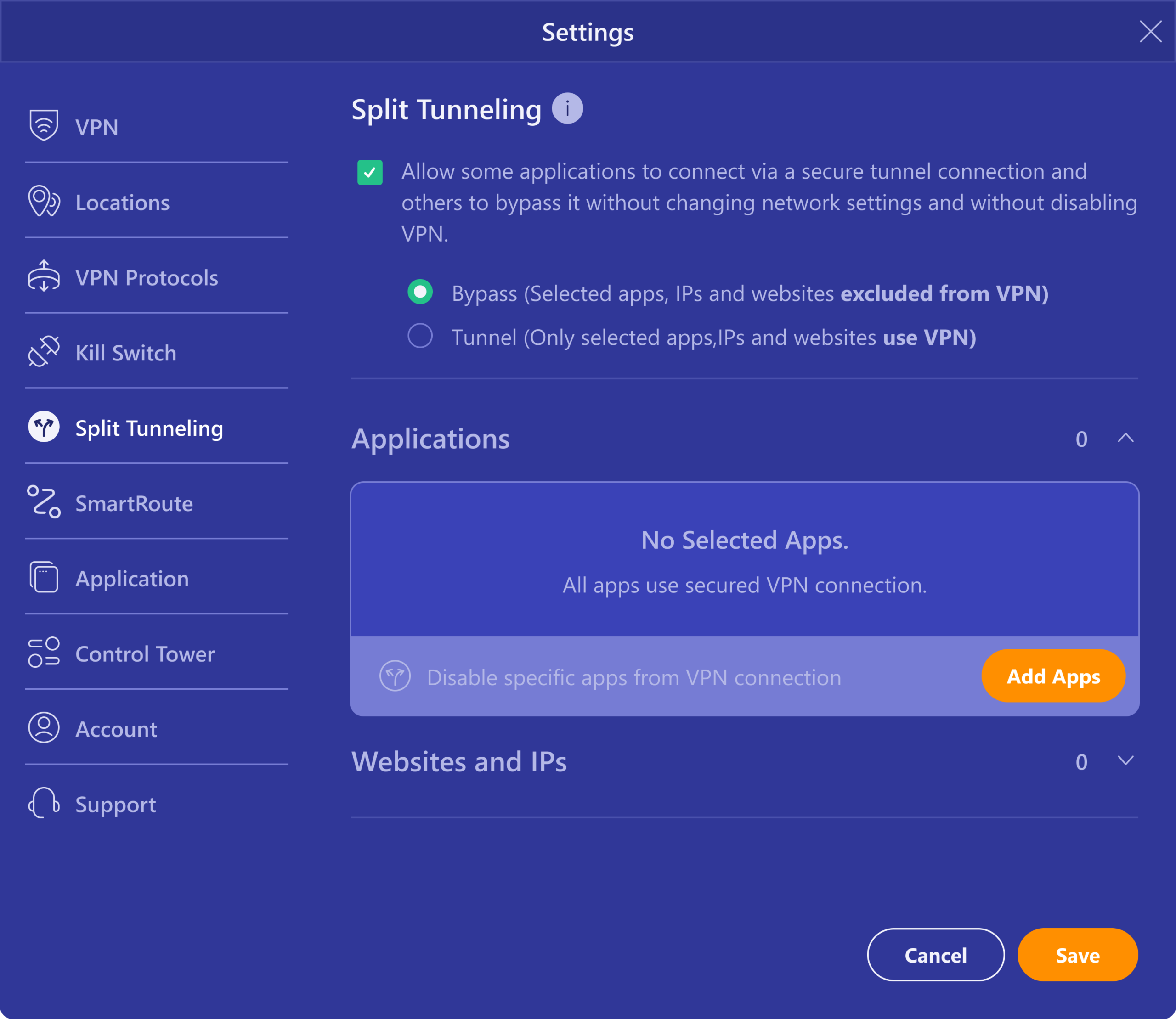
Split tunneling is especially helpful when certain services require a local connection to operate while other traffic benefits from encrypted routing. PrivadoVPN’s Split Tunneling provides flexibility without sacrificing privacy.
Free PrivadoVPN on All Major Platforms
Not only is PrivadoVPN available on Windows, macOS, and Linux systems, but the app also supports a wide range of devices, including:
- Desktop and laptop computers
- Smartphones
- Tablets
- Routers
- Smart TVs
This cross-platform support offered to free PrivadoVPN users makes it easy to maintain consistent privacy across any digital environment.
For those just starting out on their online security journey, we also offer comprehensive support guides along with 24/7 customer support from our team of passionate experts.
Get Started With PrivadoVPN Free
If you need unbeatable online privacy, unwavering protection, and fast connections to your favorite areas of the Internet, you need PrivadoVPN.
With a free PrivadoVPN account, you’ll enjoy the highest level of encryption, flexible configuration options, built-in security features, and 10 GB of high-speed data every month—all at no cost.
Create a free PrivadoVPN account today and install the app at no cost to start protecting your online activity in minutes.