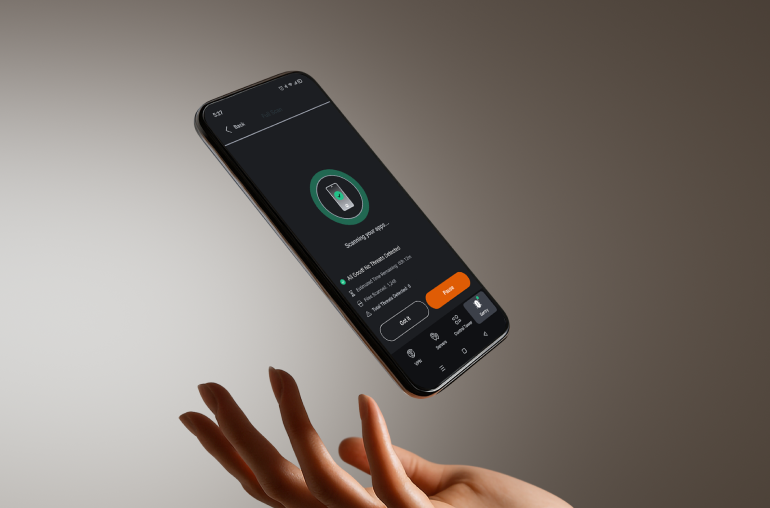
PhantomMode is an always-on feature in PrivadoVPN Premium for Android that enhances privacy and cleans up your browsing experience—even when you aren’t actively connected to a VPN server.
What Is PhantomMode?
PhantomMode combines always-on privacy tools with continuous protection for your device. It prevents apps from sending personal data to third parties, blocking intrusive ads, and stopping trackers from collecting behavioral data. This creates a cleaner, more private browsing experience across all Android apps.
This feature operates quietly in the background (even when you aren’t connected to a VPN server), protecting you from hidden data sharing while maintaining smooth, fast Internet performance.
Key Features and Benefits
PhantomMode offers continuous and adaptive protection designed to maintain privacy, improve reliability, and reduce clutter. It blocks apps from transmitting data to ad networks, prevents trackers from monitoring your behavior, and filters unwanted ad requests—even when your VPN connection is off.
The result is a smoother, faster, and safer online experience with fewer distractions and less background data collection.
How to Enable PhantomMode on Android
To start using PhantomMode:
- Open the PrivadoVPN app on your Android device.
- Tap the hamburger icon (three horizontal lines) in the upper-left corner of the screen to open the main menu.
- Select the PhantomMode menu.
- Turn on App Tracking Protection or App Ad Blocker by toggling each option.

The PhantomMode screen also displays the number of trackers blocked and how many apps have attempted to contact trackers over the past seven days.
Once enabled, PhantomMode begins blocking ad requests, preventing app data sharing, and protecting your privacy in real time.
Why Use PhantomMode?
PhantomMode provides reliable, always-on protection that continues even when your VPN is not actively connected. It keeps apps from sharing private data or displaying unwanted ads while maintaining a faster, cleaner browsing experience.
Many users rely on PhantomMode daily for its blend of privacy, browsing performance, and continuous defense.
Everyday Ways to Use PhantomMode
PhantomMode brings practical benefits to daily life by quietly improving privacy, performance, and efficiency in real situations:
- Reduce hidden tracking: Limit how much a shopping app can quietly send activity data from quietly sending activity data in the background while your device is idle.
- Conserve mobile data: Reduce ad requests and network calls during a long commute or while traveling on limited data.
- Boost device speed: Limit unnecessary background connections that drain battery life and slow performance.
- Stay focused: Temporarily block Internet access for apps that distract you during work or study sessions.
- Protect privacy between sessions: Keep data collection blocked even when you pause or disconnect from your VPN.
Experience Full Digital Defense with PrivadoVPN Premium
PhantomMode is available exclusively with PrivadoVPN Premium, which also includes:
- Control Tower Security Suite: Threat Prevention, Ad Blocker, Secure DNS, and Parental Controls.
- Privado Sentry Antivirus for Android and Windows.
- Unlimited VPN access to servers in 60+ cities worldwide.
- Fast, secure connections with advanced encryption and no logs.
Upgrade to PrivadoVPN Premium to access PhantomMode and stay protected wherever you go.