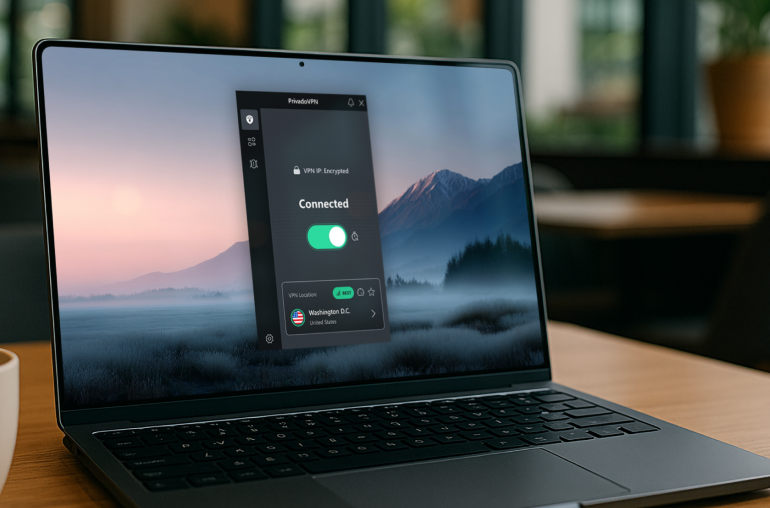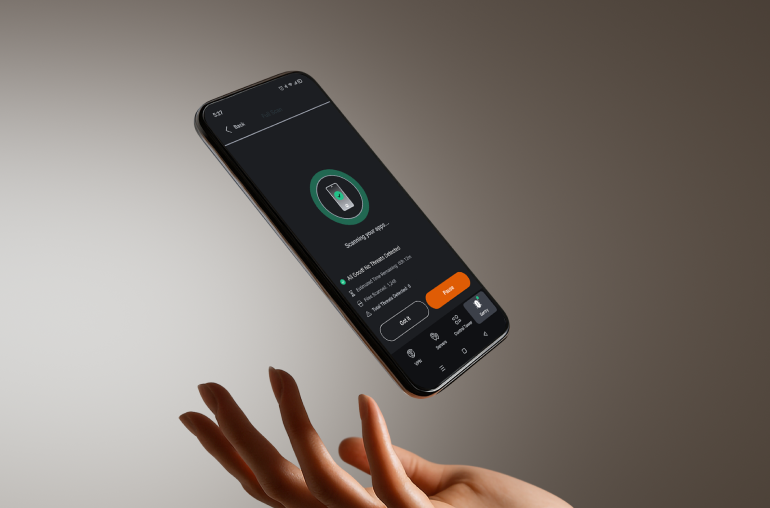
Block tracking, reduce ads, and control which apps connect to the Internet — even when you’re not on VPN. That’s the advantage of PhantomMode in PrivadoVPN Premium.
Greater Control Over Your Privacy
PhantomMode gives you privacy protection that doesn’t stop when your VPN connection does. By blocking hidden tracking requests, reducing ads, and letting you decide which apps can access the Internet, PhantomMode puts you in complete control of your online experience.
Why Use PhantomMode?
Your apps are constantly active in the background — sending tracking data, requesting ads, and consuming bandwidth. PhantomMode protects you locally on your device, giving you more control, fewer interruptions, and improved performance.
Real-World Use Cases

Cut hidden tracking: Stop a shopping app from sending data about your activity overnight.
Save mobile data: Reduce ad requests on a long commute to stretch a limited data plan.
Speed up your device: Block background connections from apps that slow performance.
Stay productive: Temporarily restrict distracting apps from connecting to the Internet.
Privacy between sessions: Keep tracking data blocked even if you pause your VPN connection.
PhantomMode vs Traditional VPN
| Feature | VPN Connection | PhantomMode |
| Encrypts Internet traffic |  |  |
| Hides IP address | | |
| Blocks trackers | Requires Connection | |
| Reduces ads | Requires Connection | |
| App-level Internet control | Requires Connection | |
| Saves bandwidth & boosts speed | Requires Connection | |
PhantomMode is not a replacement for VPN encryption — it’s a powerful companion that expands your privacy and control beyond the VPN tunnel.
Key Benefits of PhantomMode
Tracking Protection
Apps attempt to send device data back to their servers without asking. PhantomMode stops these requests before they leave your device, keeping your information private.
Ad Blocker
By preventing apps from asking for ads, PhantomMode helps reduce distractions, speed up browsing, and cut mobile data usage.
App-Level Control
Block specific apps from connecting to the Internet. Keep background processes from slowing down your device or wasting data.
Performance & Savings
Every hidden request, ad call, or background connection consumes bandwidth and slows devices down. PhantomMode removes these inefficiencies, helping you save data each month and improve speed across your apps.

Built on Trusted Protection
PhantomMode is only one part of the strong privacy foundation that PrivadoVPN provides. Every feature is designed to give you more control, more security, and more freedom online.
- No-Logs Policy
Your activity is never recorded. PrivadoVPN is based in Switzerland, where strong privacy laws protect your rights and make true no-logs protection possible. - Tier-1 VPN Network
With direct connections to major Internet providers worldwide, PrivadoVPN operates its own Tier-1 network. That means faster speeds, more reliable connections, and better performance when you need it most. - Complete Privacy Suite
PhantomMode works alongside other advanced features like Threat Protection, Ad Blocker, Secure DNS, and Kill Switch. Together, these tools create a layered defense that keeps your personal information private on all your devices.
Millions of people around the world trust PrivadoVPN to protect their online lives every day. PhantomMode builds on that foundation by extending privacy to the moments when you’re not connected to the VPN, giving you even greater control over your digital world.
How to Turn On PhantomMode
It only takes a moment to activate PhantomMode:
- Open the PrivadoVPN app.
- Go to Settings > PhantomMode.
- Toggle on Tracking Protection and Ad Blocker.
- (Optional) Choose which apps you want to block from Internet access.
PhantomMode will now run in the background — even when your VPN connection is off.
PhantomMode FAQ
PhantomMode is a PrivadoVPN feature that blocks tracking, reduces ads, and lets you control app Internet access, even when you’re not connected to a VPN server.
No. PhantomMode and VPN encryption serve different purposes. The VPN encrypts your traffic and hides your IP, while PhantomMode filters ads and tracking requests locally on your device.
It can use slightly more battery since it processes requests before they leave your device. However, by reducing background activity, it can also improve performance and balance battery use.
PhantomMode reduces many ads by cutting requests at the source. Some may still appear, but the total number of interruptions and amount of background data usage is significantly reduced.
Yes. You can block individual apps from connecting to the Internet through the PhantomMode settings.
1. Open the PrivadoVPN app.
2. Go to Settings > PhantomMode.
3. Enable Tracking Protection and Ad Blocker.
4. (Optional) Select apps to block from Internet access.
Ready for More Control?
PhantomMode is included with every PrivadoVPN Premium account. Start blocking trackers, reducing ads, and controlling app access today.