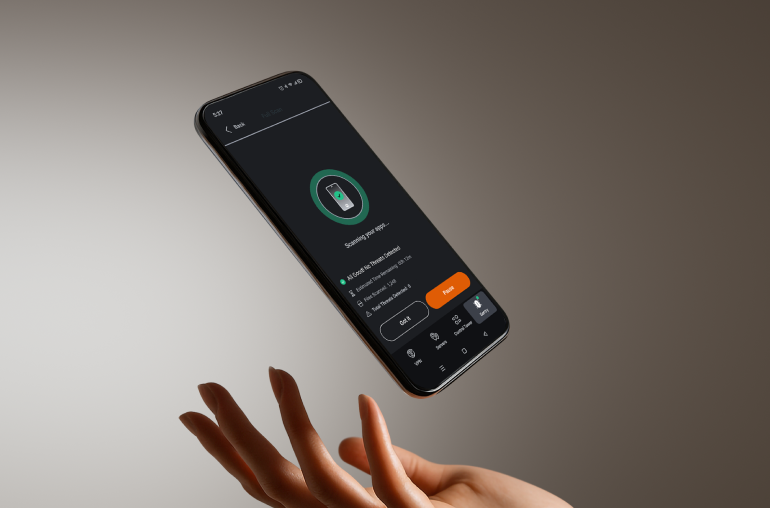
Introducing light and dark modes, so you can switch Privado Sentry to your preferred look.
Fixes
Various bug fixes.
2025-3-18 – Windows 1.3.0
Features
Updated antivirus license to support the latest security definitions.
Improved localization in the app and added localization to the installer.
Enhanced app update function for faster, more reliable updates.
Fixes
Clicking the tray icon now hides the app to the System Tray.
Various bug fixes.
2025-9-5 – Windows 1.2.0
Features
Introducing a simple setup tutorial for new users.
Added lanaguage support for Dutch, German, French, Spanish, Italian, Greek, Portuguese, Russian, Hungarian, Indonesian, Polish, Croatian, Turkish, and Chinese.
Improved UI so it’s easier to see and interact with Sentry app.
Fixes
Minor UI fixes.
Various bug fixes.
2025-3-20 – Windows 1.1.0
Features
Added scanning for removable USB drives when connected
Included scanning reminders if schedule scanning has been disabled
Introduced event history window to better track device security
Enhanced Quarantine window with additional features
Automatically log in to Sentry if logged into PrivadoVPN
Updated right-click menu to offer new functions
Allow users to restore quarantined files from removed media to specific folder
Users can now choose folders and files for custom scans
Fixes
Improved animation performance
Fixed notification quarantine button
2024-10-21 – Windows 1.0.0
Features
Privado Sentry 1.0 is Launched! More stable, more secure, more reliable. Protect your Windows system with advanced antivirus, real-time threat protection, and powerful malware detection through Privado Sentry.
2024-8-1 – Windows 0.9.33
Features
Added more detailed scans for improved protection
Streamlined Settings for easier control
Allowed user to grant Sentry administrator device access
Changed settings to let user further customize Real-Time Protection